Prompt Execution
Consumption of Intelligent Scenario with ABAP AI SDK
Leverage the Intelligent Scenario, together with the defined orchestration workflow, to drive automated decision-making within your business processes.
The ABAP AI SDK provides dedicated APIs to seamlessly consume inference and prompt execution results directly within your ABAP application logic. Use the intelligent scenario within the orchestration to drive decision-making and automation. Once the selected deployment is activated, you can use ABAP AI SDK for inference consumption.
For this, we have already created a report with other scenario. You can copy it and change the Intelligent scenario name(Z_POL_DOC_SUMM_## where ## is the Attendee ID) and check the SDK APIs implementation and execute the report for the inference.
Explanation of the report program
Return Policy Summarization: In the report, ABAP AI SDK APIs are used to execute the prompts maintained in the intelligent scenario.
- First, an instance of your intelligent scenario is created.
- Next, the grounding query is added which is the company name provided in the selection screen.
This grounding query is passed to grounding module which identifies the relevant document which points to the company name, and returns the entire contents of the file (since the value Max Document Count = 1 is maintained in the Intelligent Scenario Model)
- Next, the prompt template to summarize the contents of the return policy document is added to the orchestration payload.
- The value of the dynamic parameter in the user prompt is updated to specify the company name provided in the selection screen.
- Finally, the orchestration payload containing the grounding, data masking, filtering, prompt templating and translation modules is sent to the orchestration service and the response is displayed.
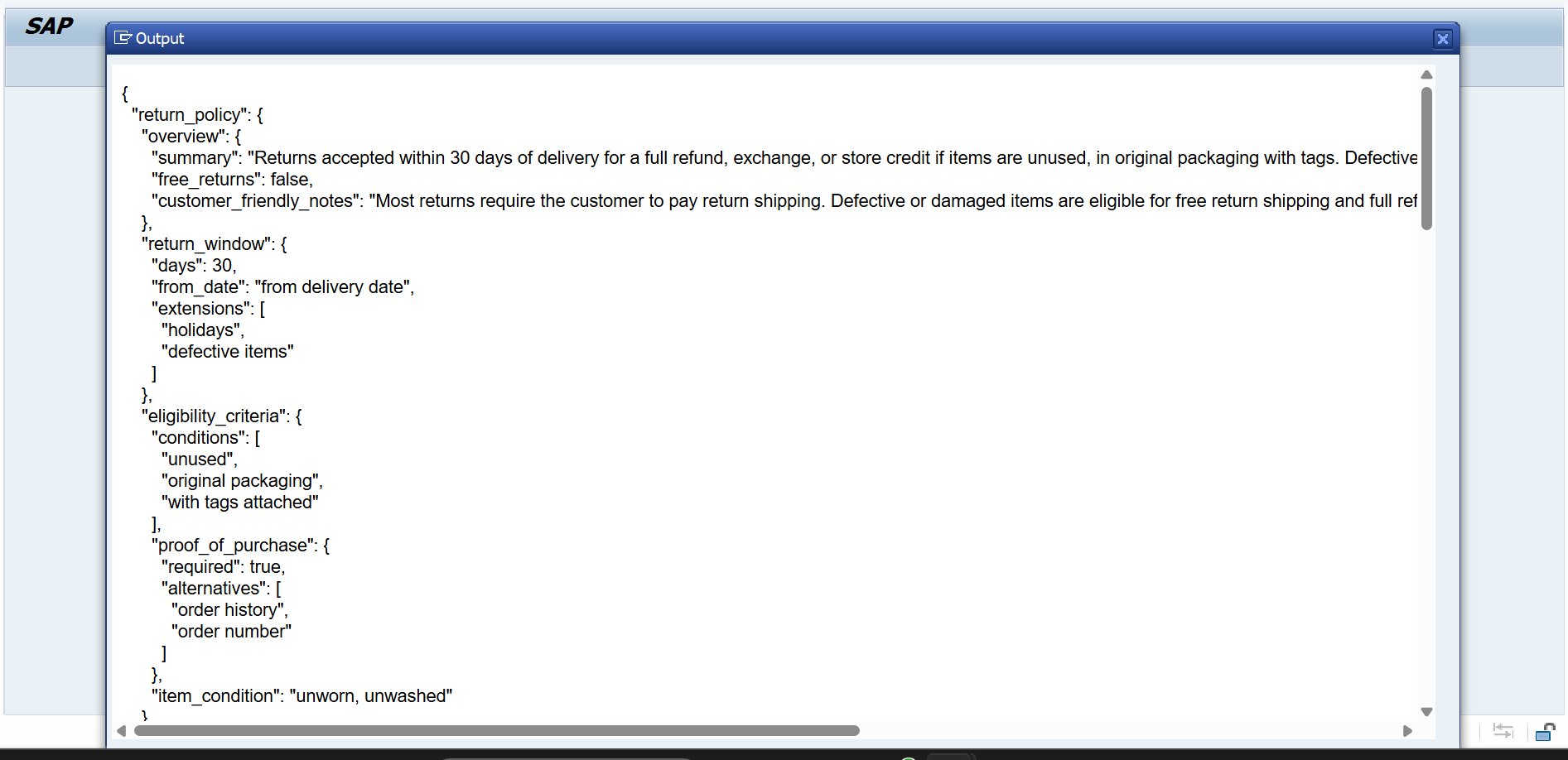
- The response contains the JSON with details about the return policy, as mentioned in the user prompt.
- Since you have logged in with English language, the output of the translation module is in English.
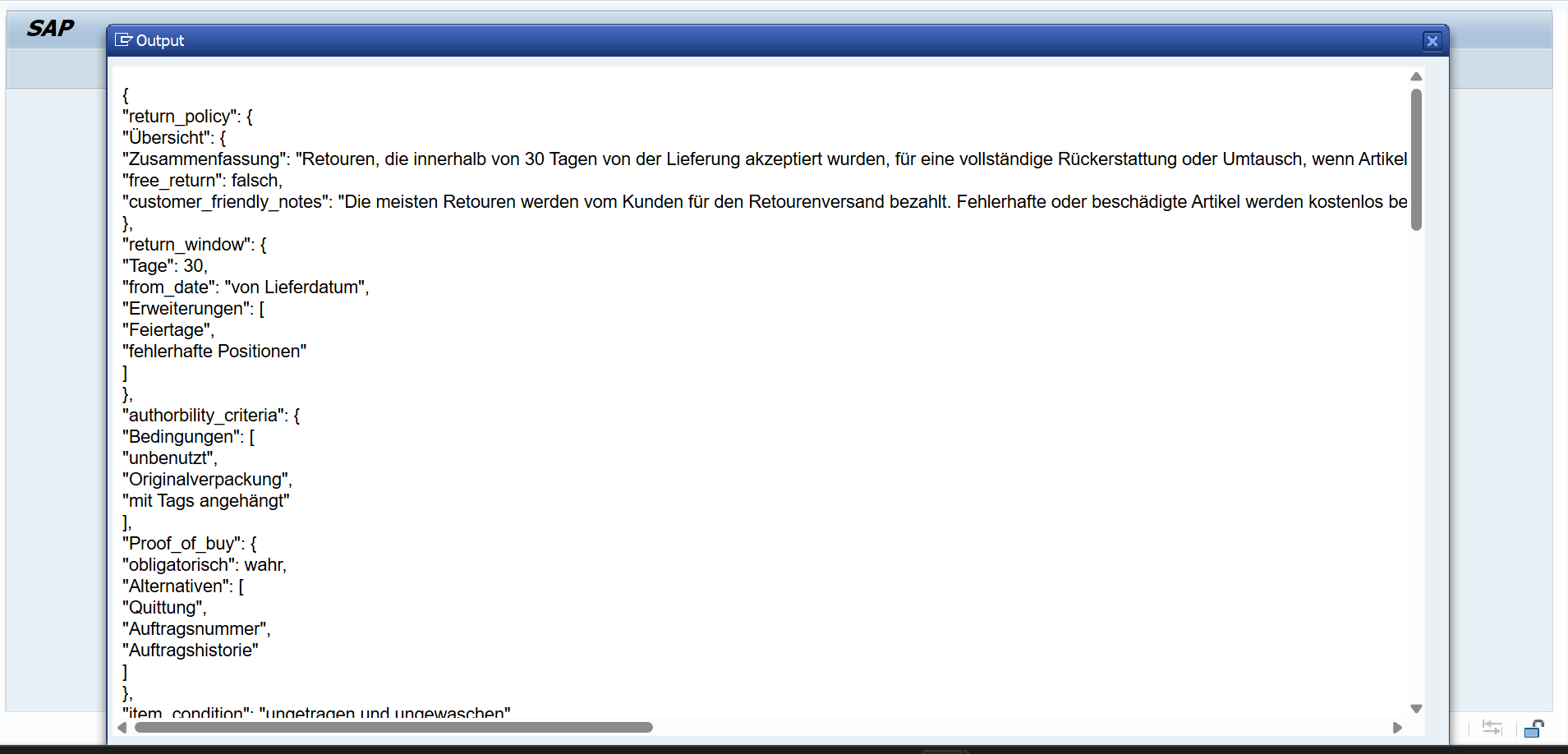
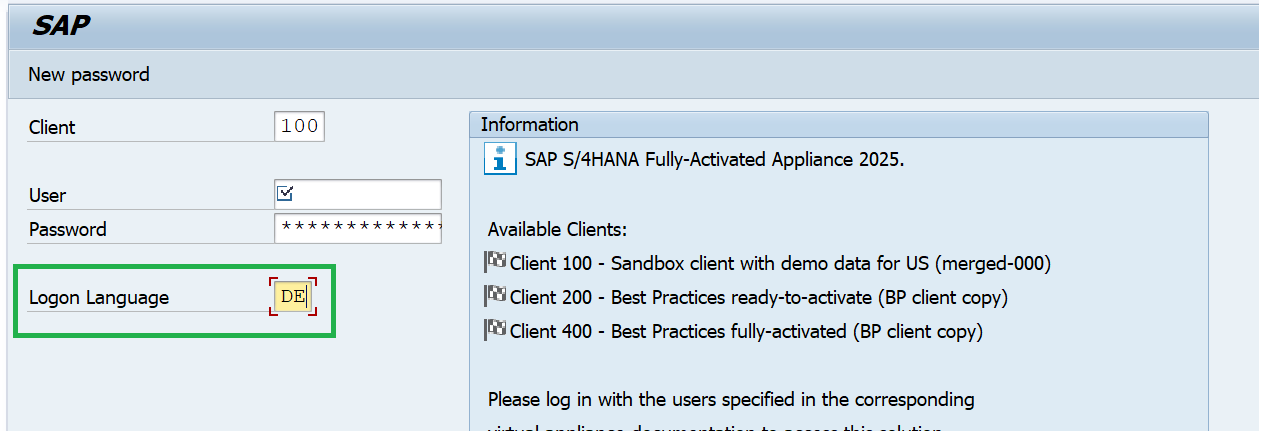
- Since you have logged in with German language, the output of the translation module is in German.
- If you had logged in with a language which is not supported for translation, the response is displayed in English by default.
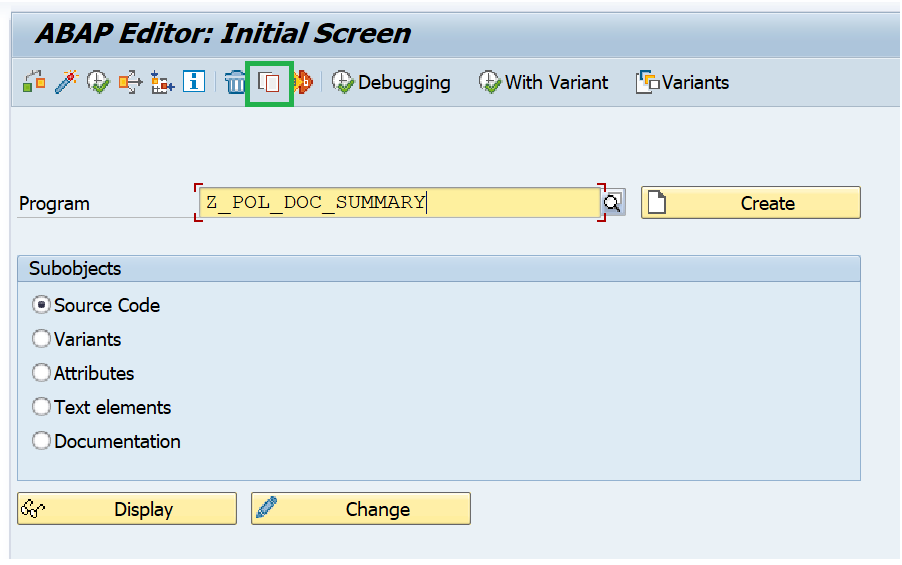
- Copy the existing report program
Z_POL_DOC_SUMMARYto anotherZ_POL_DOC_SUMMARY_##, where ## is your attendee number.
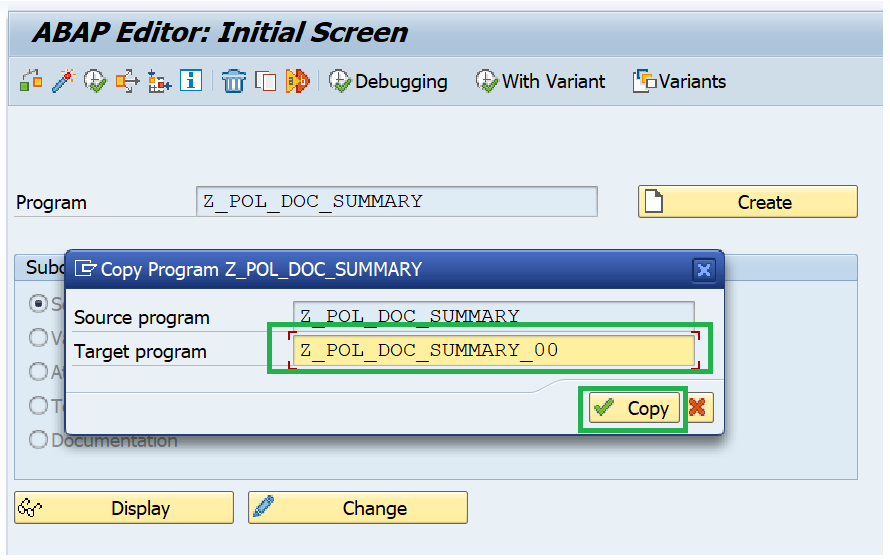
- Select All and press Copy.
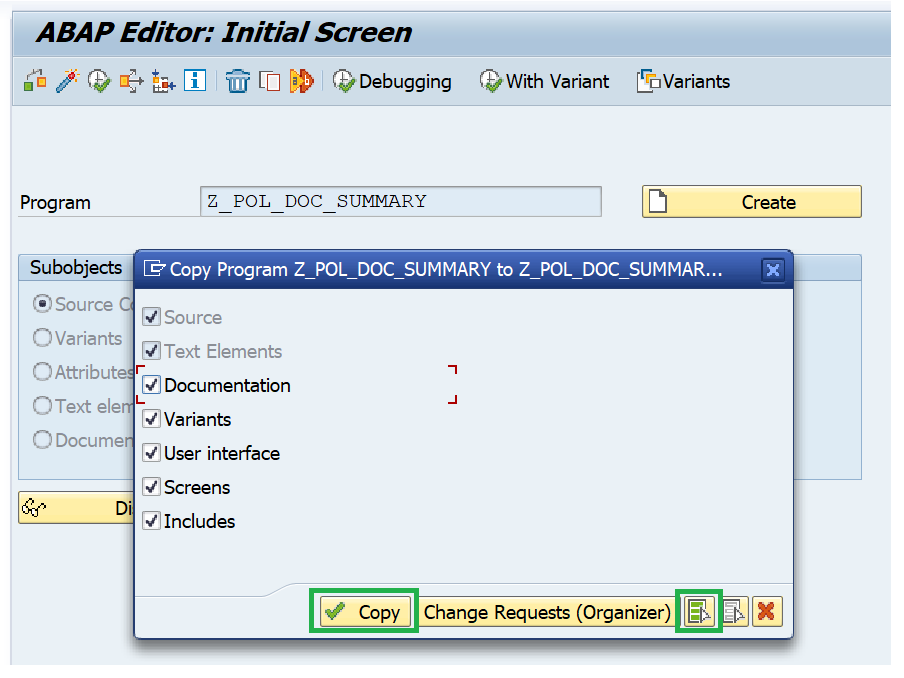
- Activate the newly copied program and press Enter.
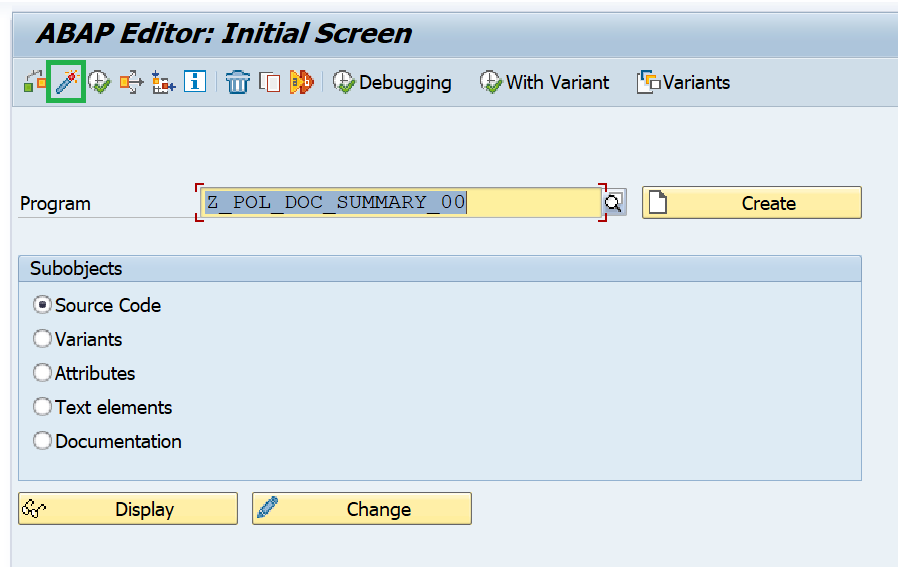
- Press Change.
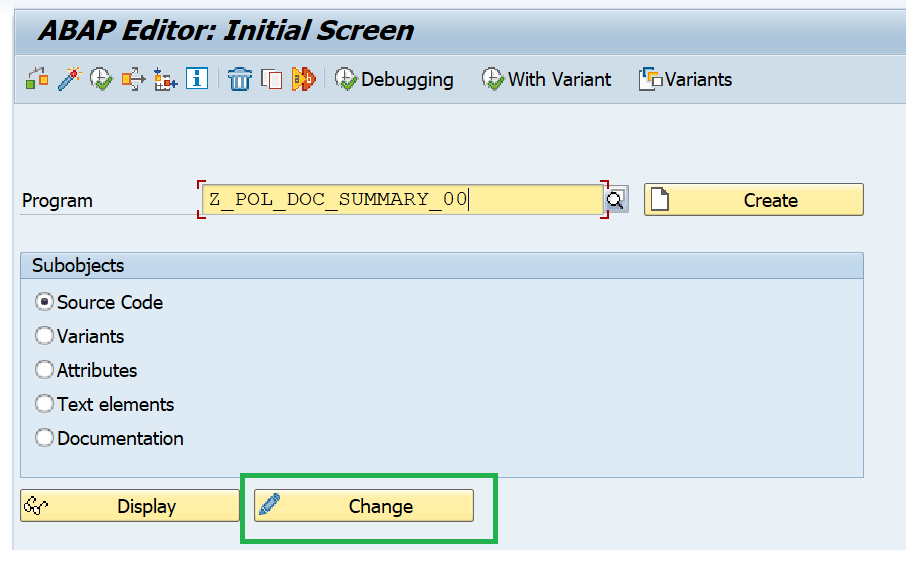
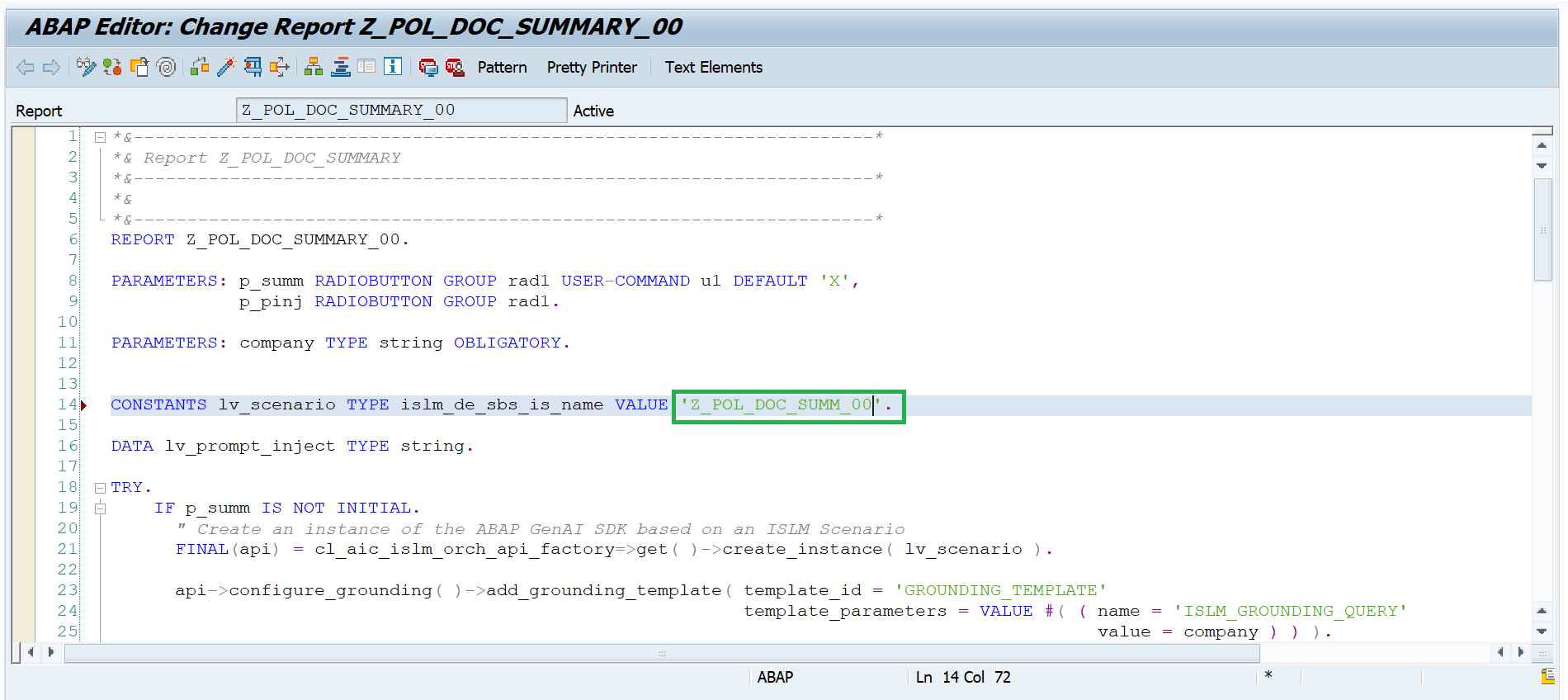
- Change the Intelligent scenario name to the Intelligent Scenario name that you had created in the above steps
Z_POL_DOC_SUMM_##where ## is the Attendee ID. Then Activate.
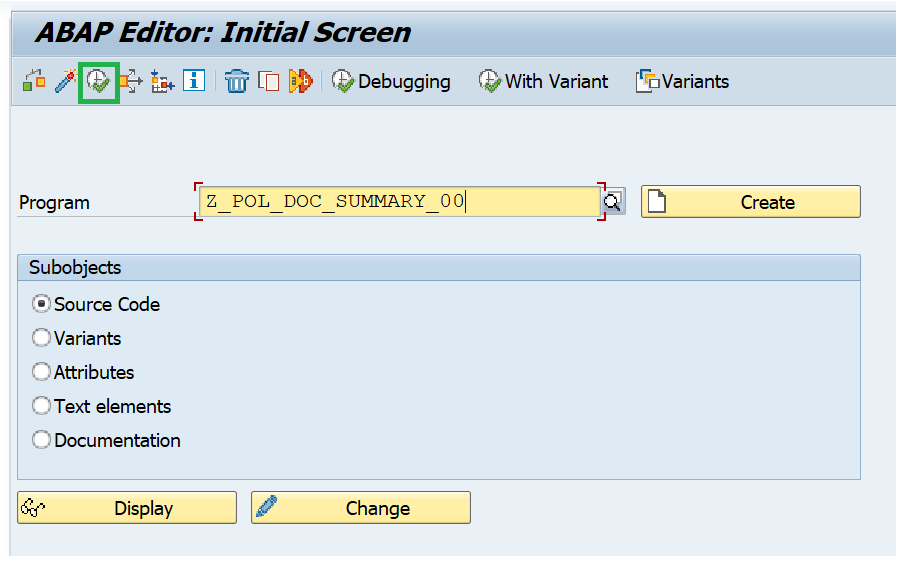
- Execute the program
Z_POL_DOC_SUMMARY_##.
- Enter the Company Name = Alpha and Press Execute.
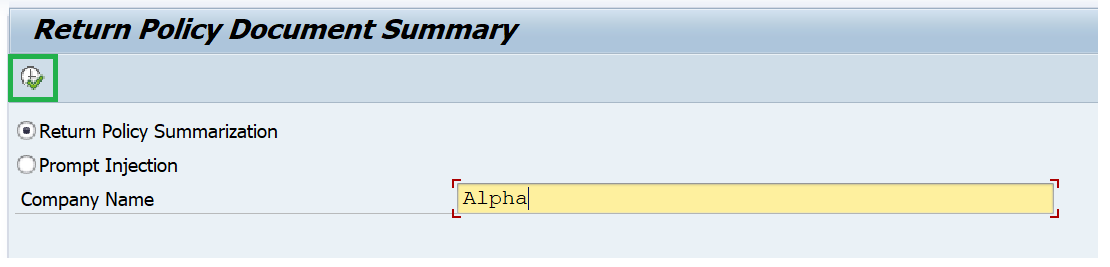
- Output of the prompt execution with orchestration capabilities.
- For testing the output translation, please login to the system with DE(German) language.
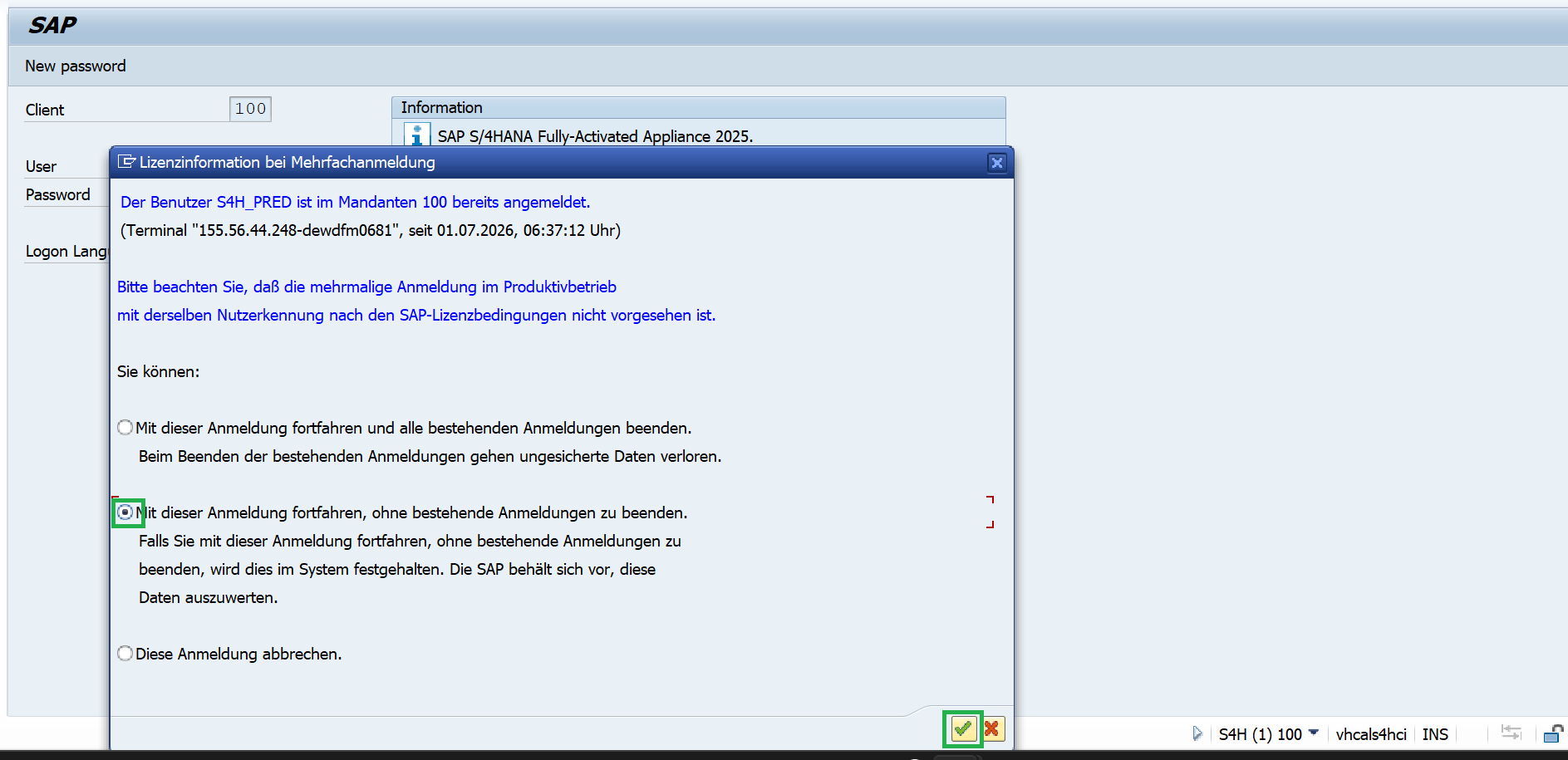
- Choose the below option to avoid interuptting other sessions.
- Goto transation SE38 and enter the program that you created
Z_POL_DOC_SUMMARY_##and press F8 or Execute.
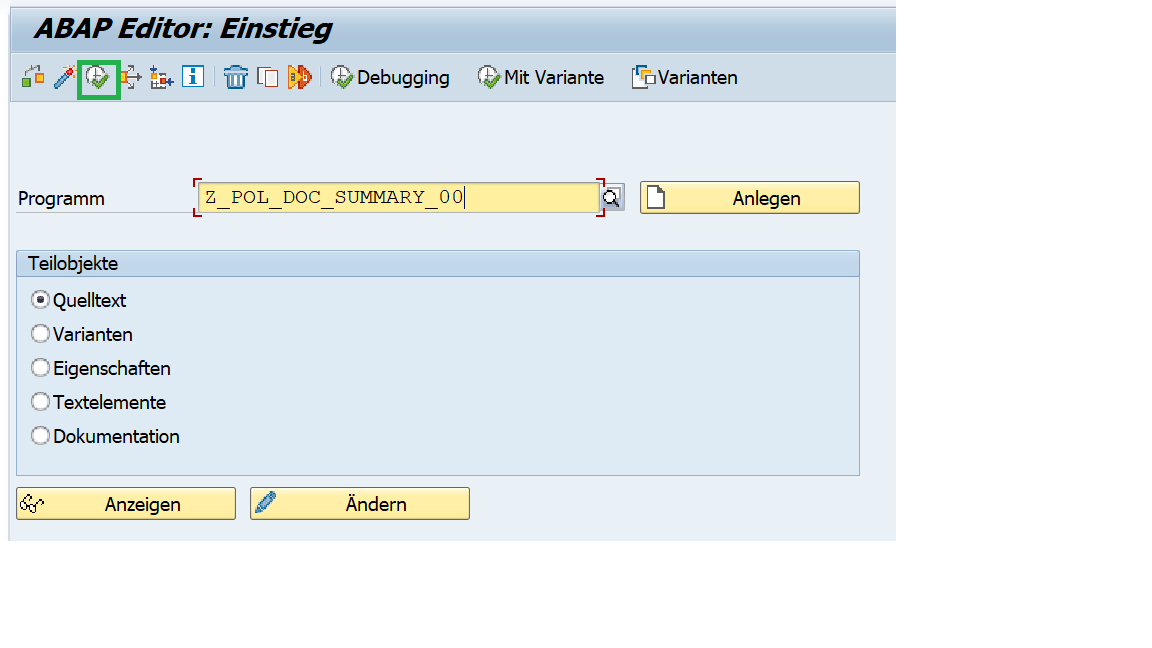
- Enter the company name = Alpha. Press F8 or Execute.
- Output with orchestration capabilities of translation module and displayed in DE(German).